 EM: Databases/SQL: Databases > Metadata Definition
Description
The  Databases Metadata Definition tab presents metadata categories in a hierarchical table with columns for Property, Display Name, Description, Type, Valid Values, Max Value Count, Chooser Type, and Read Only. Selecting an expandable category reveals its nested metadata entries and their associated metadata details.
Note: selecting a database from Databases name list, opens its configuration interface, and enabling access to Metadata Definition.
Location
EM Navigator →  Databases/SQL → Databases → Metadata Definition
Toolbar
| Button | Function |
|---|---|

|
Adds a new property row under the currently selected main property category. |
|
Deletes/Removes selected property. |
|
|
Refreshes the information. |


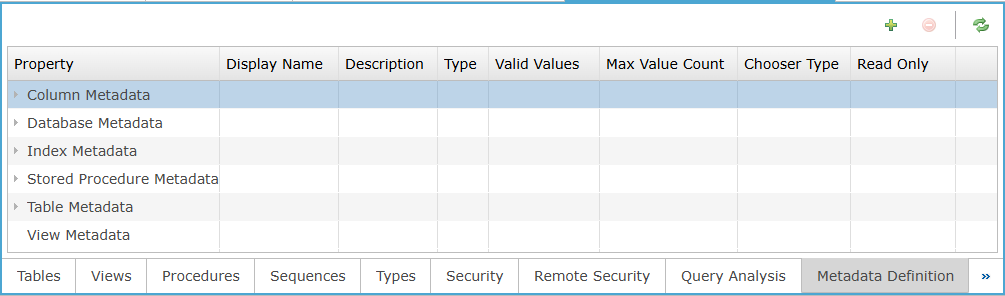
Metadata Definition: Column Section
The column section lists metadata categories and their associated definition fields, organizing each property’s name, description, type, valid values, limits, chooser type, and read-only status.