 EM: Databases/SQL: Databases > JDBC How-To
Description
The  Databases, JDBC How-To provides administrators with all required JDBC connection details for accessing a BASIS database, including the JDBC Driver JAR, JDBC Driver Class, and Connect URL. It also provides ready-to-use Java and BBj code examples, enabling developers and administrators to configure, test, and implement JDBC database connections correctly and efficiently.
Note: selecting a database from Databases name list, opens its configuration interface, and enabling access to JDBC How-To.
Location
EM Navigator →  Databases/SQL → Databases → JDBC How-To
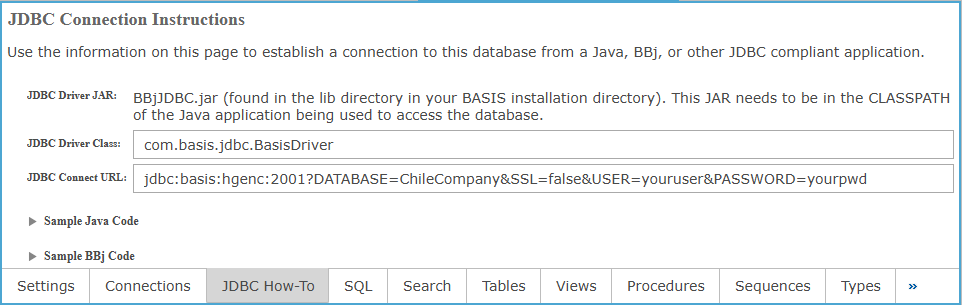
JDBC Connection Instructions Settings
The sample codes below will change based on the database selected. In these examples the administrator can copy and paste codes in a java application or a BBj Application to access the Chile Company Database.
Sample Java Code
|
Sample BBj Code
|