DWC Themes
Overview
This page describes how to customize DWC application themes. It covers adding a light/dark mode toggle, working with the DWC Themer to create and preview CSS-based themes, and applying saved theme styles to a DWC application. The page focuses on practical theming workflows and links to existing BBjWebManager and DWC theme documentation for detailed API behavior. For additional information about DWC theming and examples of light and dark theme switching, see: Dynamic Web Client (DWC) Overview.
Light and Dark Themes
DWC supports light and dark application themes. Applications can switch themes at runtime, allowing users to change the application’s appearance without reloading it. For user-facing theme controls, see: BBjWebManager::setTheme() to select the active DWC theme. For additional information about available theme methods, see: BBjWebManager.
Adding a Light/Dark Theme Toggle
A DWC application can provide a button that lets the user switch between light and dark themes. The button can display different text and icons to indicate the theme that will be applied when it is selected. The following example creates the theme toggle and registers an ON_BUTTON_PUSH callback:
|
When the toggle button is selected, the callback changes the current theme, updates the button text and icon, and applies the selected theme with BBjWebManager::setTheme().
|
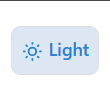
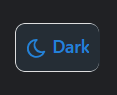
The following screenshots show the tested theme toggle in its light and dark states.
Creating CSS Themes with the DWC Themer
The DWC Themer provides a visual interface for customizing DWC application themes. It allows you to modify DWC CSS custom properties and preview how those changes affect BBj controls. Theme configurations can also be imported, exported, or reset from the Themer interface.
The following screenshot shows the current DWC Themer with theme configuration options, CSS custom properties, and previews of BBj controls.
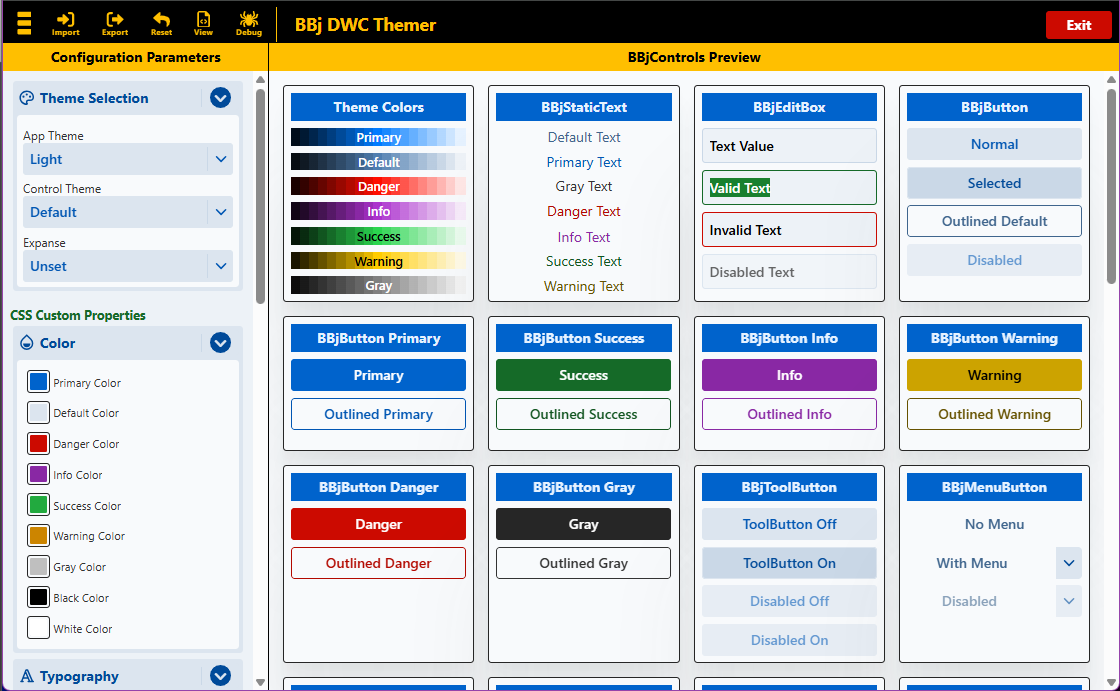
Changes to theme properties are reflected in the BBj controls preview, allowing the resulting appearance to be reviewed before the theme is exported and applied to an application.
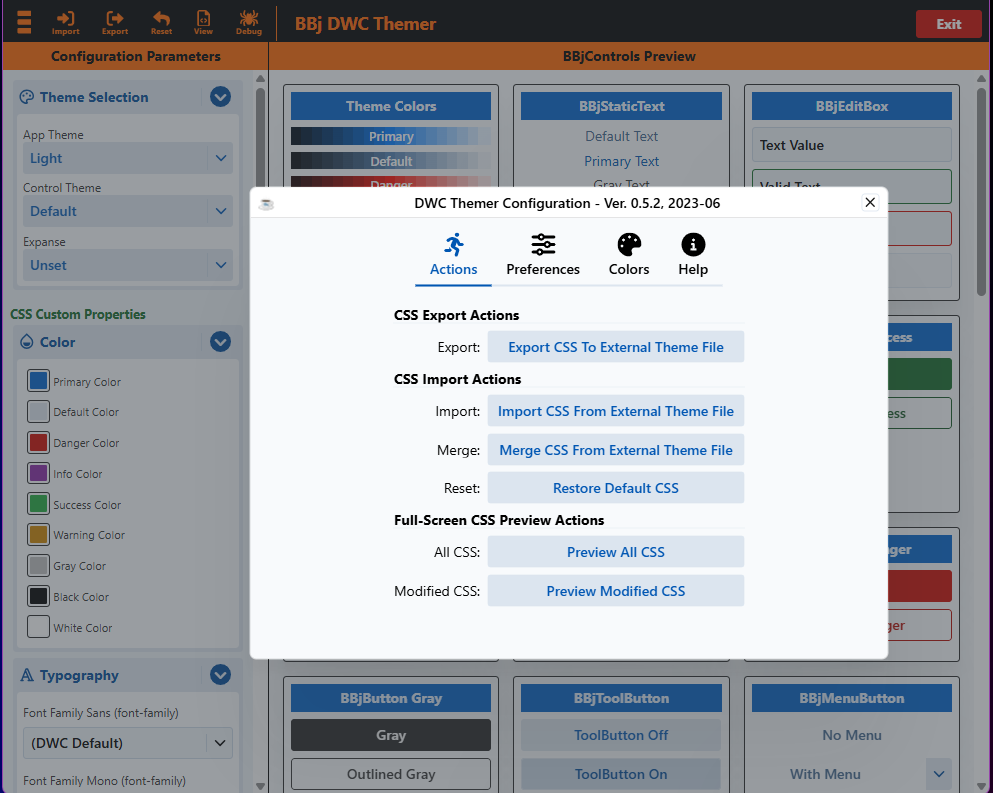
The DWC Themer configuration menu provides actions for exporting and importing theme CSS, merging CSS from an external theme file, restoring the default CSS, and previewing either all CSS or only modified CSS.
The following screenshot shows the current DWC Themer configuration actions.
Creating and Applying a DWC Themer Theme
The DWC Themer can be used to create a custom theme or load an existing theme for further modification. As theme values are changed, the BBj controls preview updates to show the effect of the selected CSS custom properties.
After creating a theme, use the Themer’s Export CSS To External Theme File action to save the customized CSS. The exported CSS can then be loaded by a BBj application and applied to the DWC page.
|
The application reads the saved theme CSS and passes it to BBjWebManager::injectStyle() to apply the theme to the DWC page. Replace the example path with the location of the exported theme file used by the application.
See Also
Using Browser Developer Tools with DWC