Purchase Order Processing - PO Return Of Goods Register
Function
Use this task to view and update returned goods entered with the PO Return Of Goods Entry task since the last update of the register.
To access this task...
Select PO Return Of Goods Register from the Purchase Order Processing main menu.
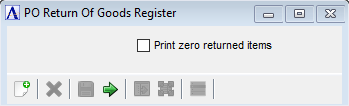
PO Return of Goods Register
About the Fields
Print zero returned items checkbox...
-
Mark to allow items that were not returned (zero returned) to print along with the rest of the items for the return.
-
Unmark to stop items with zero returned from being printed.
Example of PO Return Of Goods Register
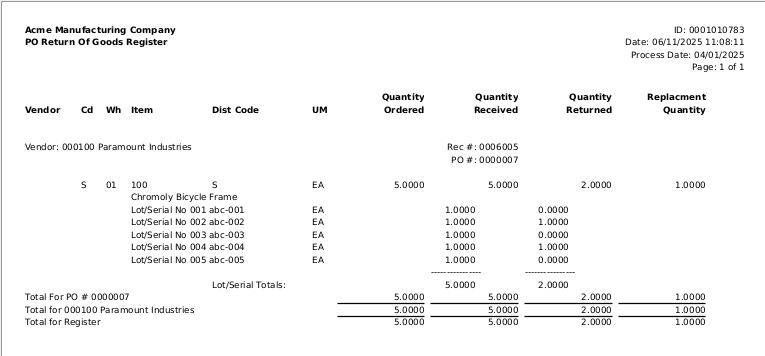
Example of PO Return Of Goods Register
After closing the PO Return Of Goods Register the system displays the prompt:
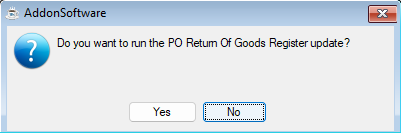
Do you want to run the PO Return Of Goods Register update?
-
Click Yes to update the register.
-
If the Purchase Order Receipt the returned goods were received on has not been updated, then on that receipt the Qty Ordered will be adjusted by subtracting the quantity of the item returned and adding the quantity of the item being replaced.
-
If the Purchase Order Receipt the returned goods were received on has been updated, then a new receipt (marked Complete) is created for that Purchase Order with both the Qty Ordered and the Qty Received set to the negative of the quantity of the item returned. If the returned goods are being replaced, then a second new receipt (not marked Complete) is created for that purchase order with the Qty Ordered set to the quantity of the item being replaced.
-
-
Click No to not update the register.