DWC Printing and Print Preview in the Client
Overview
Browser applications do not have direct access to local printers; printing in DWC typically relies on generating a document that can be displayed in the browser or a client-side document viewer. From there, the user can review the output and print it using the browser’s available printer options. BBj printing technologies such as SysPrint, BBjPrinter, and BBJasper can be used to create printable output for this workflow.
Printing and Print Preview in the Client
Browsers do not have direct access to printers on the client computer. In DWC, a common approach is to generate a PDF document that can be displayed in the browser, where the user can preview and print it using the browser's available printer options.
For SysPrint, BBj automatically provides this behavior in BUI and DWC. The following example creates SysPrint output in PDF mode and displays the resulting document in the browser even though the program does not specify PREVIEW:
lp = unt
open (lp,mode="PDF")"LP"
print (lp)"HELLO"
close (lp)
From the browser, the user can view and print the generated document.
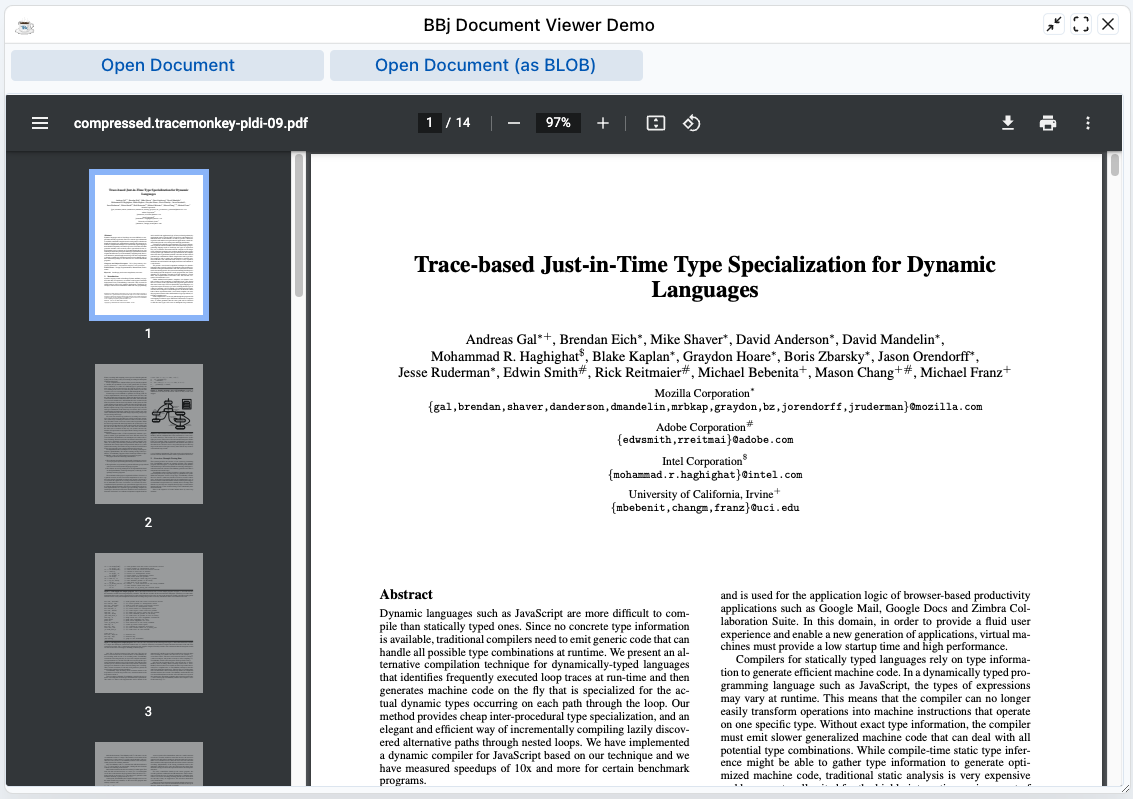
BBj printing technologies, including BBJasper, SysPrint, and BBjPrinter, can create PDF documents on the server. After the document is created, the BBjDocViewer plugin can display it in a document preview on the client.
The following image shows a PDF displayed in the BBjDocViewer client-side document preview.
BBJasper Print Preview
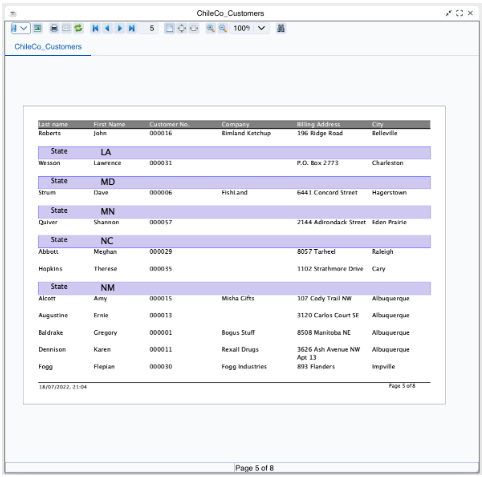
BBJasper Print Preview provides its standard report viewing and print-preview features in DWC. Users can review generated report pages, navigate through the report, adjust the view, and access available print options from the preview interface. See: BBJasper Utility Overview, and BBJasperView.
The following image shows the BBJasper Print Preview displaying a multi-page report in DWC.
File Downloads
BBjClientFileSystem provides access to the client file system, while BBjClientFile::copyToClient() copies a server file to the client in both BUI and DWC. The DownloadingAFile.bbj sample demonstrates this process by downloading BBj.properties.
The following image shows the tested download sample in DWC.