Inventory Control - Default Display Columns
Function
Use this option to create, add, change, or delete the column display on two inquiry screens: Inventory Activity Inquiry and Lot/Serial Activity Inquiry. These inquiries are part of Inventory Item Maintenance History Inquiry.
To access this task...
Select Default Display Columns from the Parameters menu.
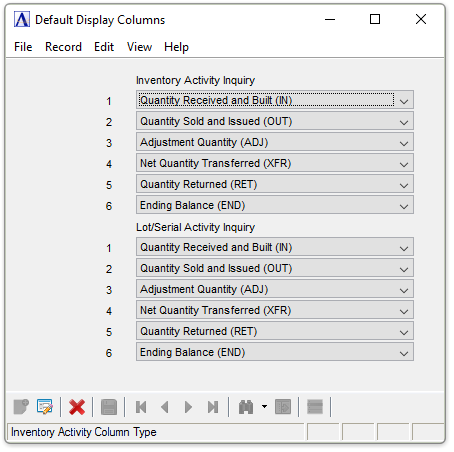
Default Display Columns
About the Fields
In the Column field...
Display only.Shows the number assigned to the column.
In the Code field...
This field determines the account balances to be displayed.
-
Select from the dropdown list the type of information to display in the column.
When done making selections...
-
Click
 to save the changes.