Inventory Control - Cost Change Register
Function
Use this register to verify cost changes and to update the permanent file. It shows all cost changes through the entered effective date.
To access this task...
Select Cost Change Register from the Cost Changes menu.
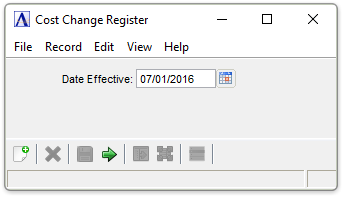
Cost Change Register
About the Fields
In the Date Effective field...
-
Enter the effective date of a cost change.
-
Click
 to select a date by using the calendar tool.
To create the report...
-
Click
 to run the Cost Change Register.
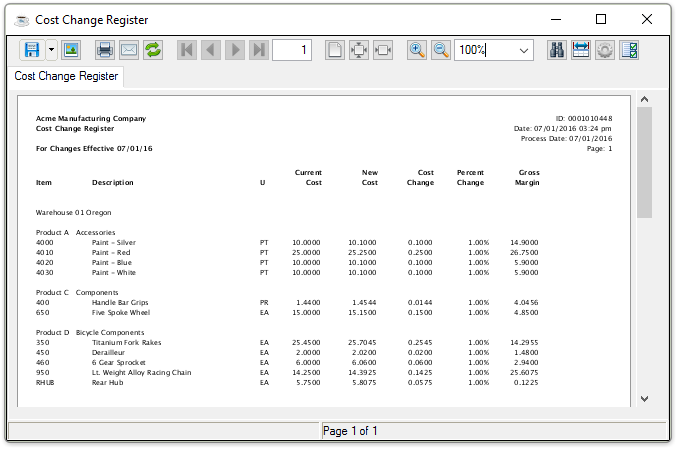
Sample Cost Change Register output
See Output Options.
After closing or printing the Cost Change Register, the following prompt appears:
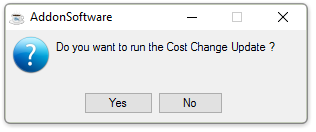
Do you want to run the Cost Change Update?
-
Click Yes to update the register.
-
Click No to skip the update.
NOTE:
Be sure the Cost Change Valuation Report is printed before updating the Cost Change Register. The Cost Change Valuation Report shows the general ledger postings that must be made after the update.