General Ledger - Journal Entry Register
Function
This task is used to print a register of all journal entries entered through Journal Entry or updated from the Recurring Journal Entry Register. After printing, the option is given to update the account information to the general ledger Daily Detail file.
To access this task...
Select Journal Entry Register from the General Ledger main menu.
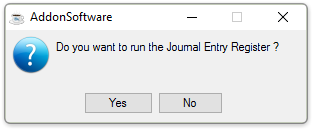
Do you want to run the Journal Entry Register?
-
Selecting Yes creates the register.
-
Selecting No closes the task.

Sample Journal Entry Register
See Output Options.
After the report is created or the window closed, the system will display a Journal Entry Register GL Summary report.

Sample Journal Entry Register, GL Summary
See Output Options.
Once the register has been created, the system issues this prompt:

Do you want to run the Journal Entry Register update?
-
Click Yes when the register printed correctly and balanced to the totals expected.
-
Click No if the register did not print correctly or the update should be postponed.
Updating
The information is updated to the Daily Detail file and the Journal Entry table is cleared as part of the update.
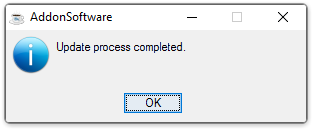
Update process completed.