Bill of Materials - Detail Exception Report
Function
This task reports anomalies that can occur due to deleting operation lines or by using the Component Item Replacement task. Sometimes the linkage between the Material Components and the operation sequences or the Subcontract and operation sequences can get out of sync. Run this report to find any conditions of that nature.
To access this task...
Select Detail Exception Report from the Utilities menu.
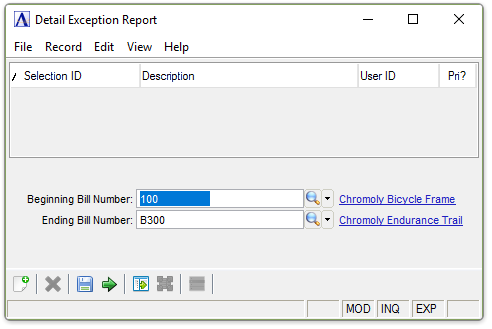
Detail Exception Report
About the Fields
In the Beginning/Ending Bill Number field...
-
Enter the number of the first/last bill to report exceptions.
-
Select Tab or Enter to select the first/last bill number record.
When finished making entries to the fields...
-
Click
 to clear the form and begin again.
 -
Click
 to save the report settings.
 -
Click
 to process the report.
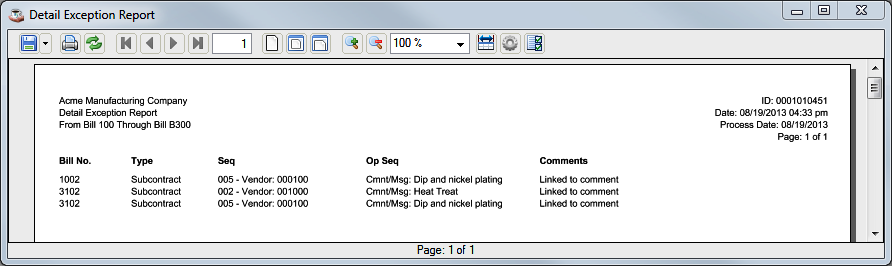
Sample Detail Exception Report
See Output Options.