Accounts Payable - Period End Update
Function
Use the Period End Update task only after all transactions for an accounts payable period are entered and verified. Refer to the Flow of Processing section for a detailed explanation of what is accomplished by this process.
To access this task...
Select Period End Update from the Period End Processing menu.
About the Period End Processing Tasks...
The tasks on this menu enable you to list invoices entered and updated in the module, show the disbursements of checks printed, list all checks processed during a selected period, print 1099 Forms, and update all transactions fully reconciled with the general ledger.
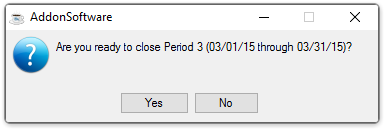
Are you ready to close this Period?
-
Click Yes to close the period.
-
Click No to return Period End Update menu.
When the update process completes, this message displays:
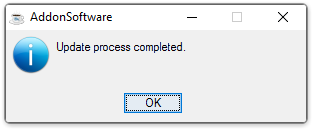
Update process completed.
-
Click OK to close the prompt window.