Accounts Payable - Payment Selection Report
Function
Use this report to review payment selections before printing checks. The report displays calculated check amounts for each vendor selected for payment. If there is more than one invoice for an AP type/vendor combination, the invoices are grouped together. The subtotal of the invoices on the check will be printed. If a vendor has multiple invoices for multiple AP types, those invoices appear on different pages of the report, (i.e. The vendor will be listed multiple times). Also, multiple checks will be produced for that vendor. The payment total of the report is the total amount to be disbursed.
To access this task...
Select Payment Selection Report from the Accounts Payable main menu.
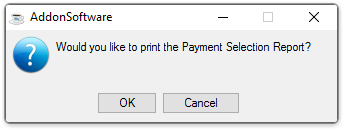
Would you like to print the Payment Selection Report?
-
Click OK to create the Payment Selection Report.
-
Click Cancel or the "Close Window" button to return to the Accounts Payable Processing Menu.
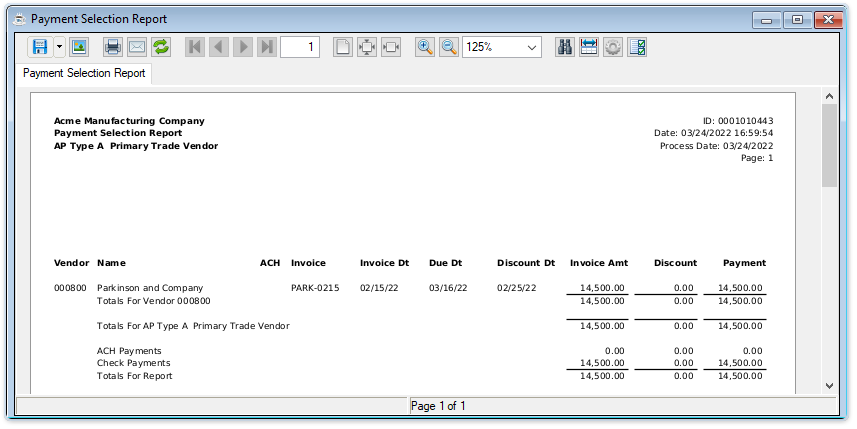
Sample Payment Selection Report
See Output Options.