Accounts Payable - Invoice Register
Function
Use the Invoice Register to review the entries made in the Invoice Entry task before updating the permanent files. The register also lists recurring invoices updated from the Recurring Invoice Register.
To access this task...
Select Invoice Register from the Accounts Payable main menu.
When accessing this task, the following screen appears:
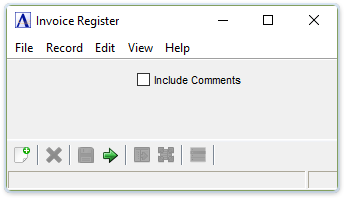
Invoice Register
About the Fields
Include Comments checkbox...
-
Mark the box to include comments on the register.
-
Unmark the box to create the register without comments.
When finished making selections...
-
Press
 to create the Invoice Register.
 -
Click the "Close Window" button to return to the Accounts Payable Processing menu.
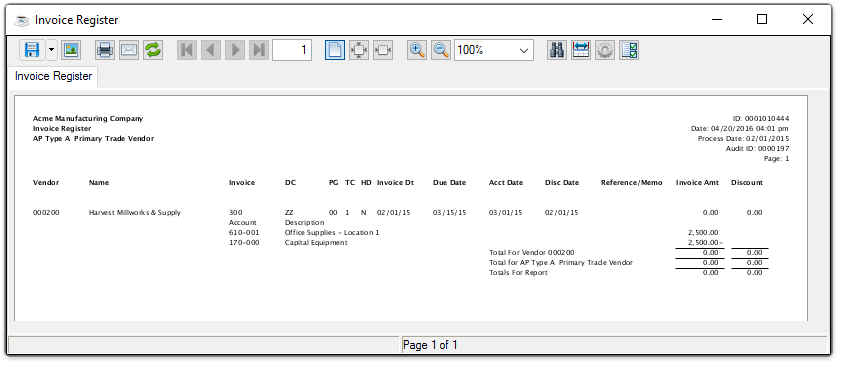
Sample Invoice Register report
See Output Options.
An Invoice Register GL Summary report is next automatically created with the same output options.
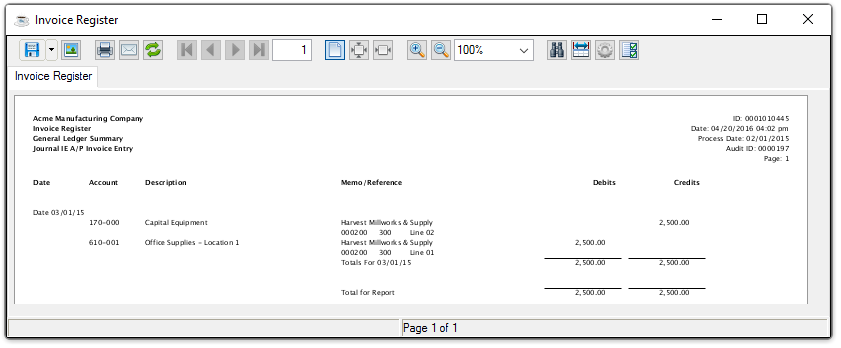
Sample Invoice Register GL Summary report
See Output Options.
Updating
After completing the output selection tasks, the system issues the following prompt:
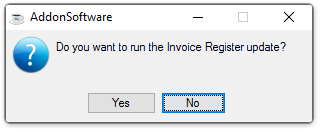
Do you want to run the Invoice Register update?
-
Click Yes to run the register update.
-
Click No or the "Close Window" button to return to the Accounts Payable Processing menu.